

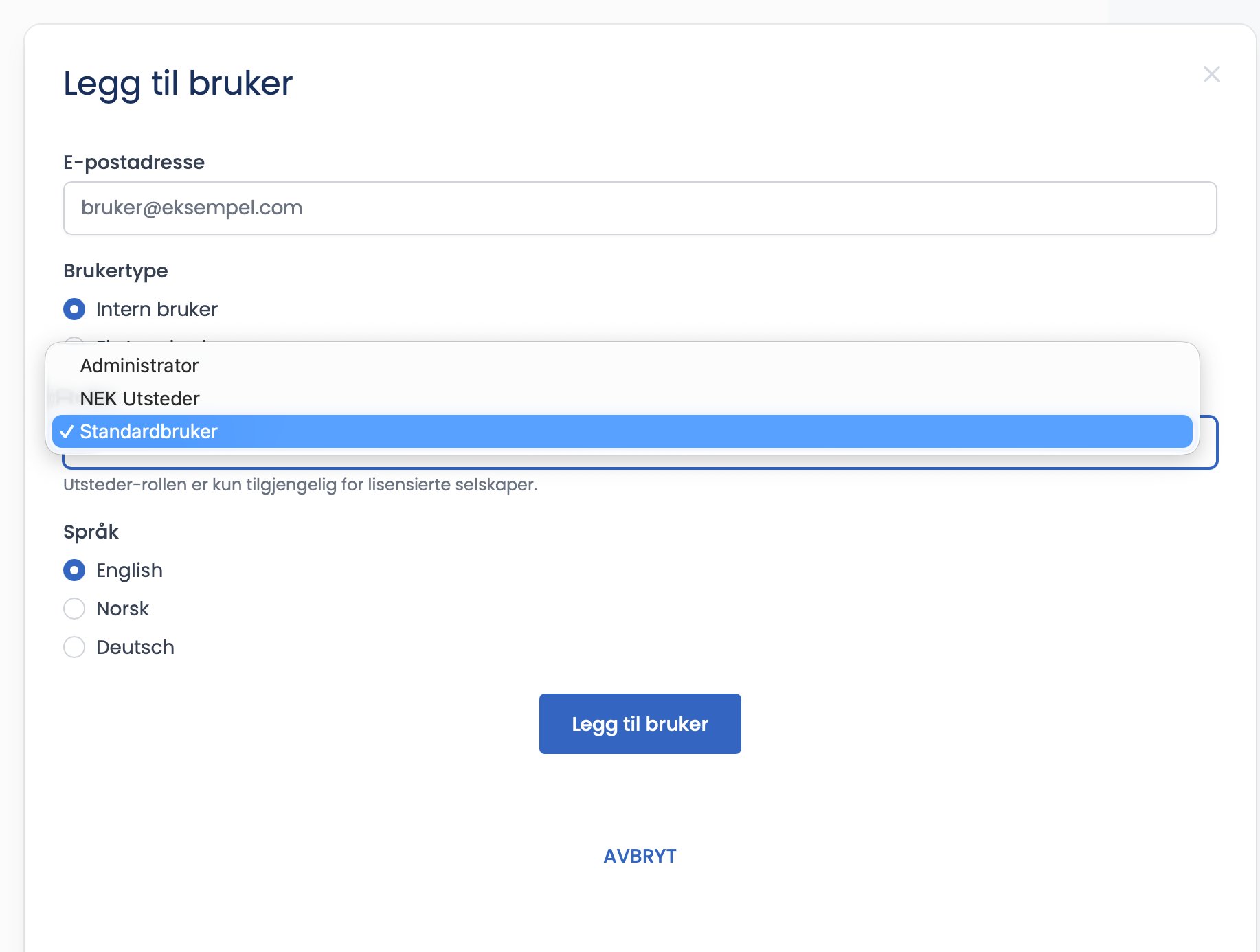
Once you have chosen “Internal user”, you select the role the person should have in the “Roles” dropdown. The role determines what the person gets access to.
The roles in a NEK company
- Company Manager. Can do everything: sees companies, documents and templates, and is the main signatory on everything.
- NEK Author. Has access to documents, can buy templates and can sign.
- Standard User. Can only see documents assigned to them. Suits an inspector who only carries out assignments in the field.
Why do I not see “Contract Author”?
The plain Contract Author role is only available to licensed companies with the Word add-in. In a NEK company you choose between Company Manager, NEK Author and Standard User.
How to do it
- Open the “Roles” dropdown.
- Choose the right role.
- Click “Add user”.
Tips for choosing the right role
- Give Company Manager access only to those who actually run the company and its finances.
- NEK Author suits inspectors who need to handle documents, buy templates and sign.
- Standard User suits inspectors who only carry out assigned work in the field.
Can I change the role later?
Yes. A Company Manager can adjust user roles in the company overview whenever needed.