

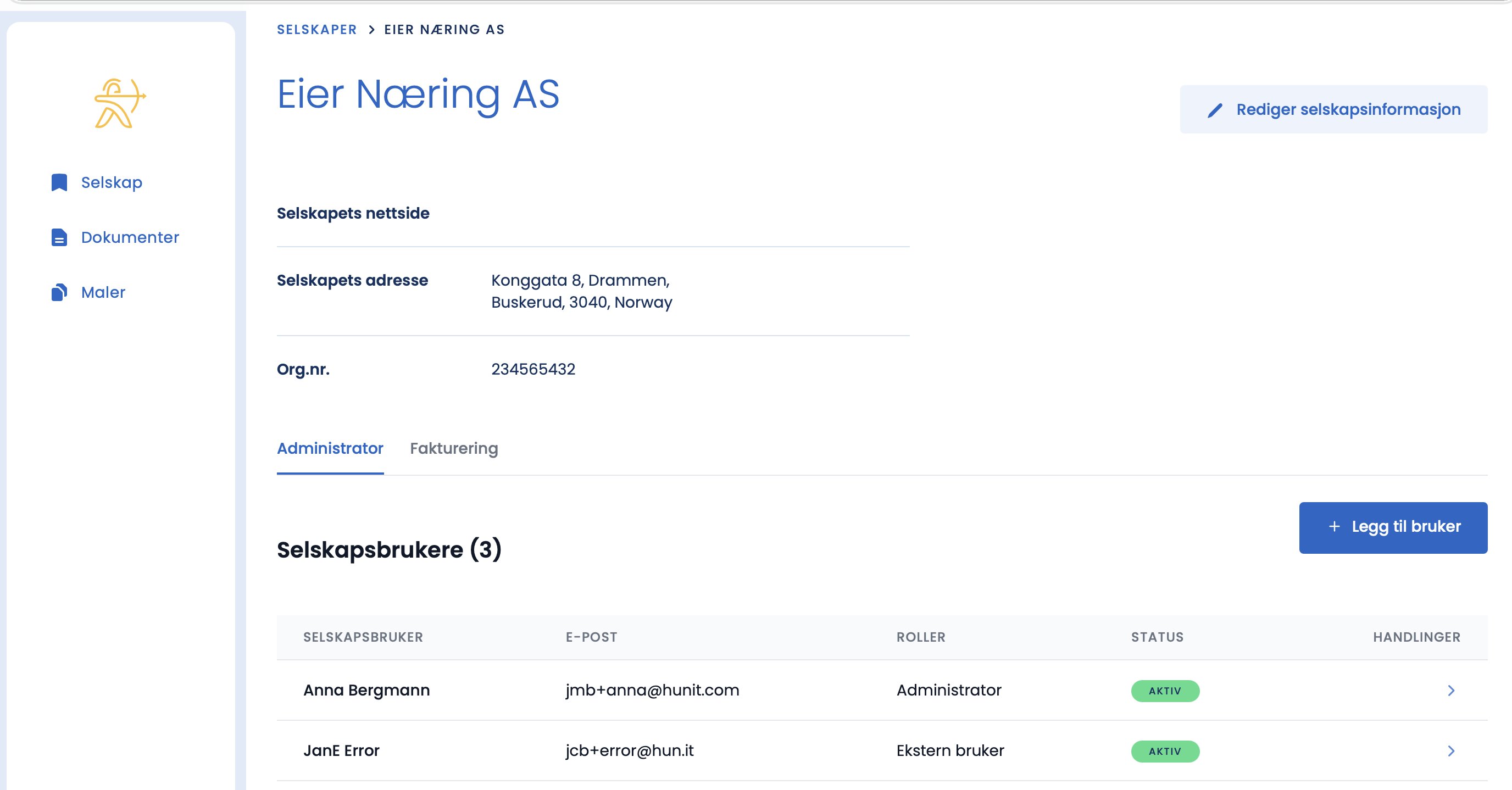
Once you have added a user, the process starts automatically.
What happens now
- The person receives an email from Hunit inviting them to register and create a password.
- The user follows the same registration process described in “Getting started”.
- As soon as the registration is complete, the user has access to the platform.
The user is not receiving the email?
- Ask them to check their spam folder.
- Check that you entered the correct email address when you added the user.
- You can add the user again with the correct address if it was wrong.