

If several people at the company are going to carry out electrical inspections, they have to be added as users. This is done by a Company Manager.
How to do it
- Click “Companies” in the menu.
- Click the company name to select the company you want to add users to. If you have several companies, choose the right one here.
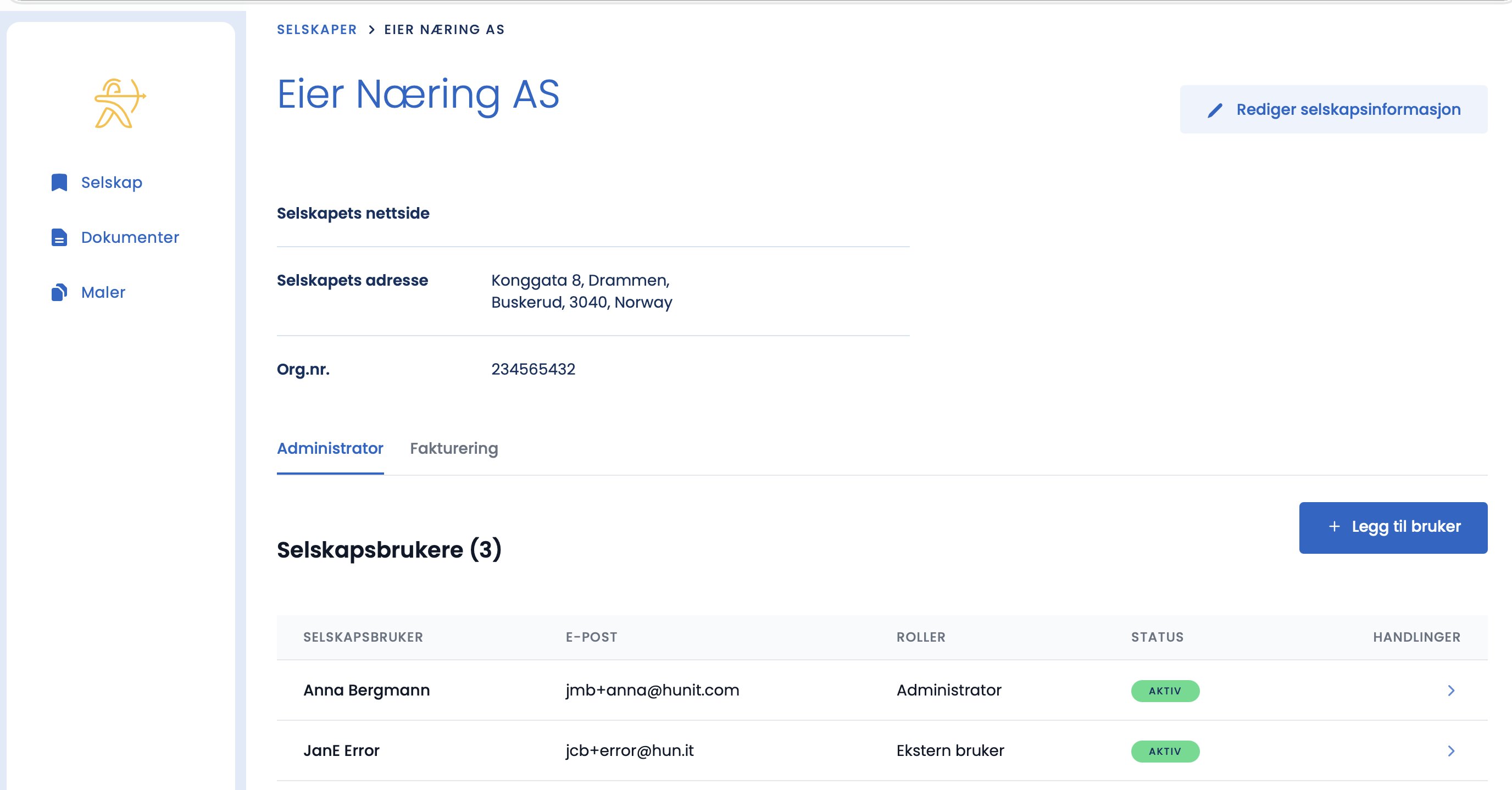
- You now see an overview of the company information and existing users.
- Click the “Add user” button in the top right.
Tips
Add all the inspectors before you start with inspections, so everything is ready when the assignments come in.
Remember to fill in the company information thoroughly
On the company page you find “Edit company information”. The more complete this is, with website, address, company number and so on, the more of the 405 inspection is filled in automatically later. That saves you manual work on every assignment.
Cannot find the “Add user” button?
- Check that you have the Company Manager role. Only Company Managers can add users.
- Make sure you have clicked the company name to open the company page. The button is there, not under Documents.