

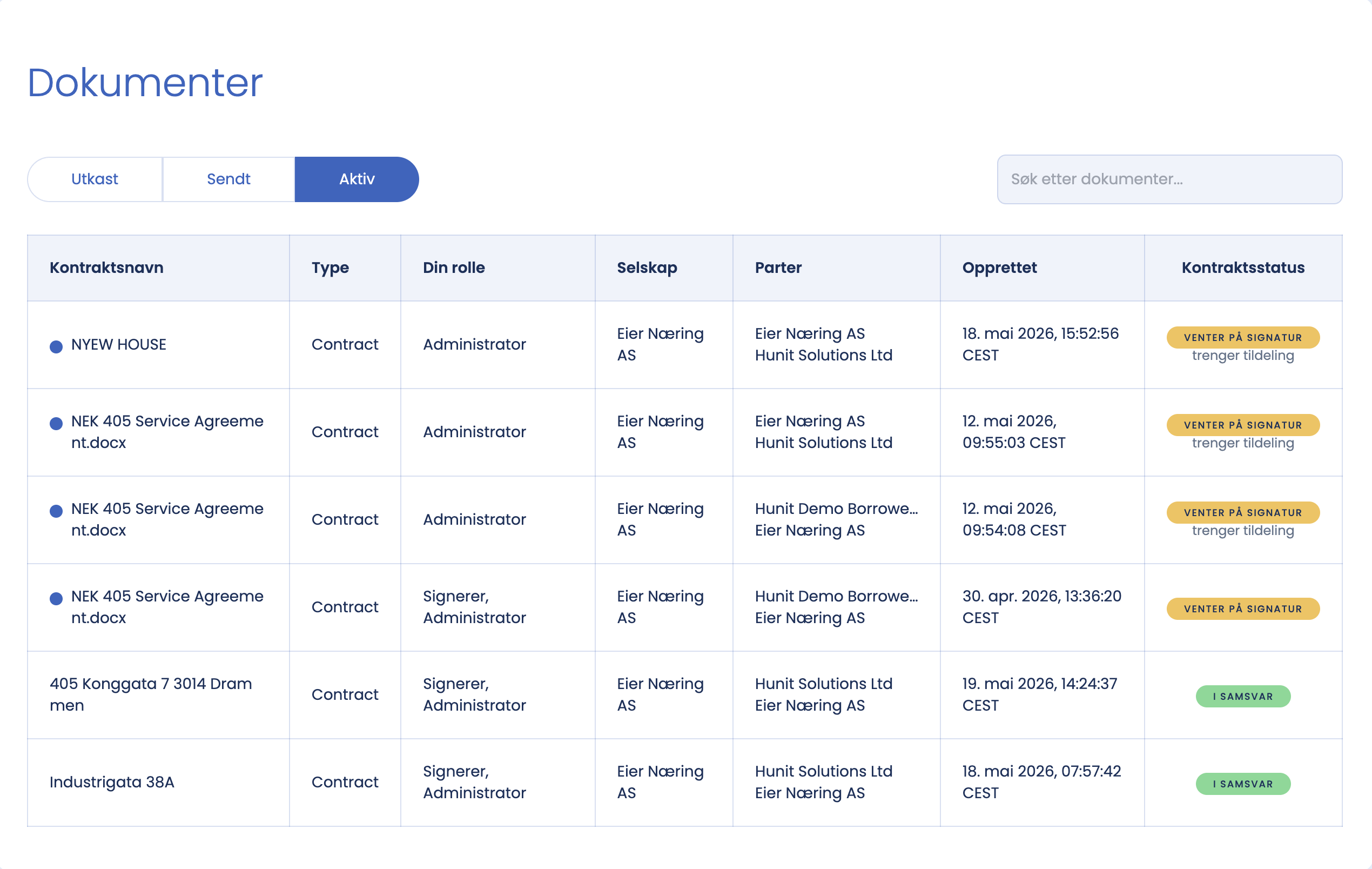
After logging in you arrive at Documents. Here you see the inspections the company has running, and the tasks waiting for you.
Good to know
- Active contracts show ongoing inspections and their status.
- Tasks show inspections that are ready to be carried out.
- Whoever creates the company automatically gets Company Manager access. As a Company Manager you can add users and buy templates.
Tips
Use Documents as your starting point every time you log in. From here you quickly find everything you are working on.
Not seeing all the functions?
What you see depends on your role. A Standard User only sees documents assigned to them, while a Company Manager sees everything. See “Choose user role” for an overview of what the different roles have access to.