

Applies only to the service contract. With an assignment confirmation there is no waiting phase, skip to “Ready for inspection”.
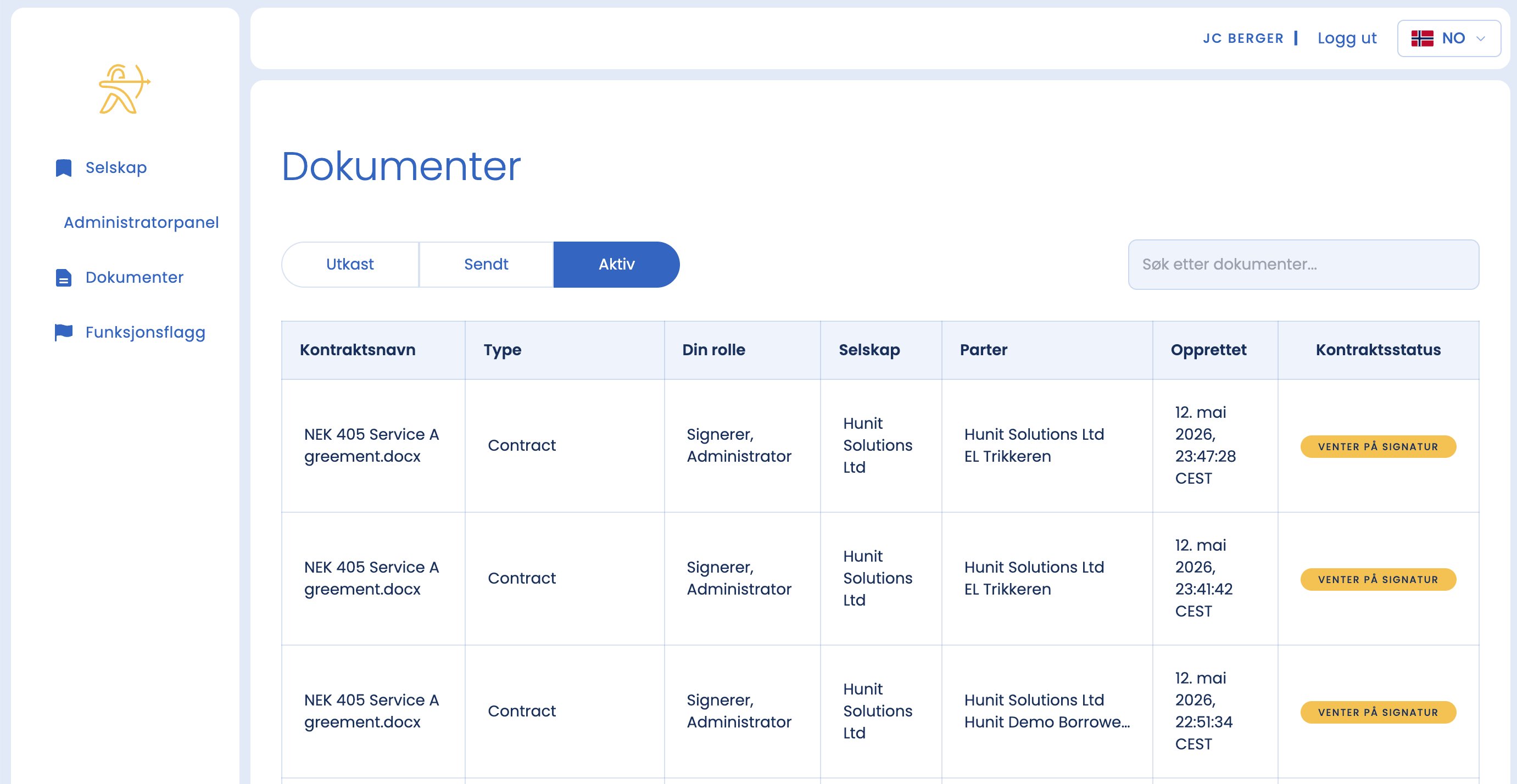
After you have signed, the status is shown in orange. That means the contract is waiting for the client’s signature.
What happens now
- The contract is not active until the client signs as well.
- Once you have activated the form, the client automatically receives an email with a link for signing.
- The client receives the contract on their own dashboard and goes through the same signing process as you.
- If the client does not sign promptly, they automatically get a reminder that there is a document waiting to be signed.
Tip
You do not need to chase manually, the system sends reminders automatically. But an informal message to the client that the contract is waiting can still speed things up.