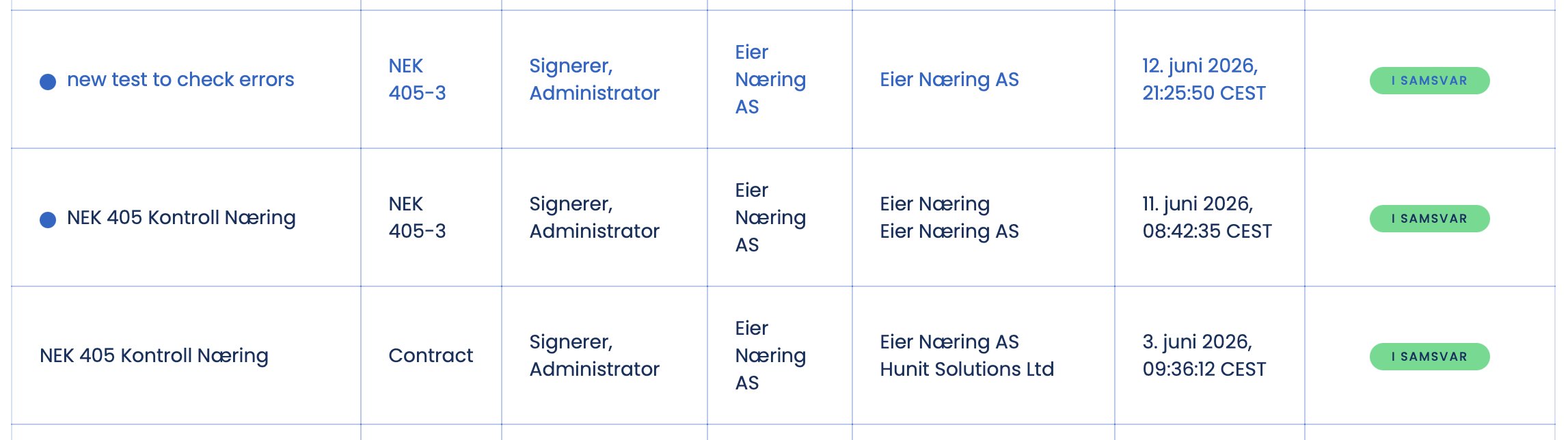
The contract gets a green status and is ready for inspection. When that happens depends on the template type.
When the status turns green
- Service contract. The status turns green once the client has signed.
- Assignment confirmation. The status turns green as soon as you as the inspector have signed.
What green status means
- The contract is In compliance.
- The inspection form now appears as a task for you.
- With a service contract the client can follow the status in the Activity Feed on the contract dashboard.
Tip
Green status is the signal that the inspection can start. The form is now available as a task ready to be assigned to an inspector.