

Once the choice is made, it is time to sign.
How to do it
- Tick “I accept” to confirm the signing terms.
- The “Sign” button now becomes active, click it.
- Follow the signing process in the window that opens.
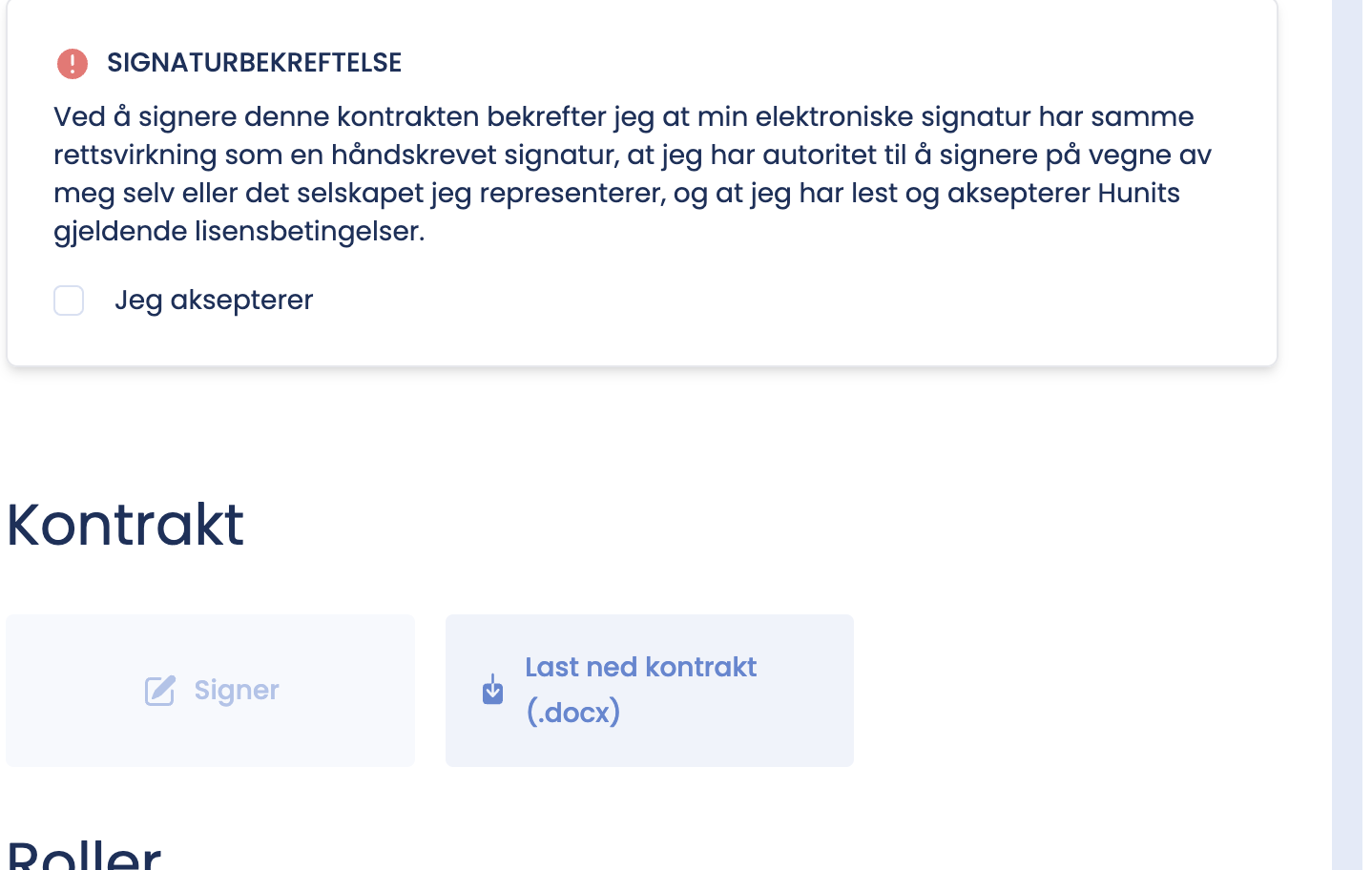
The “Sign” button is not active?
You have to tick “I accept” first. The button stays grey until the terms are confirmed.
The window does not open?
- Check that your browser is not blocking pop-up windows for hunit.no.
- Allow pop-ups for the site and try again.