

Before the contract can be signed, you choose who is going to sign it and who is going to follow it up afterwards.
How to do it
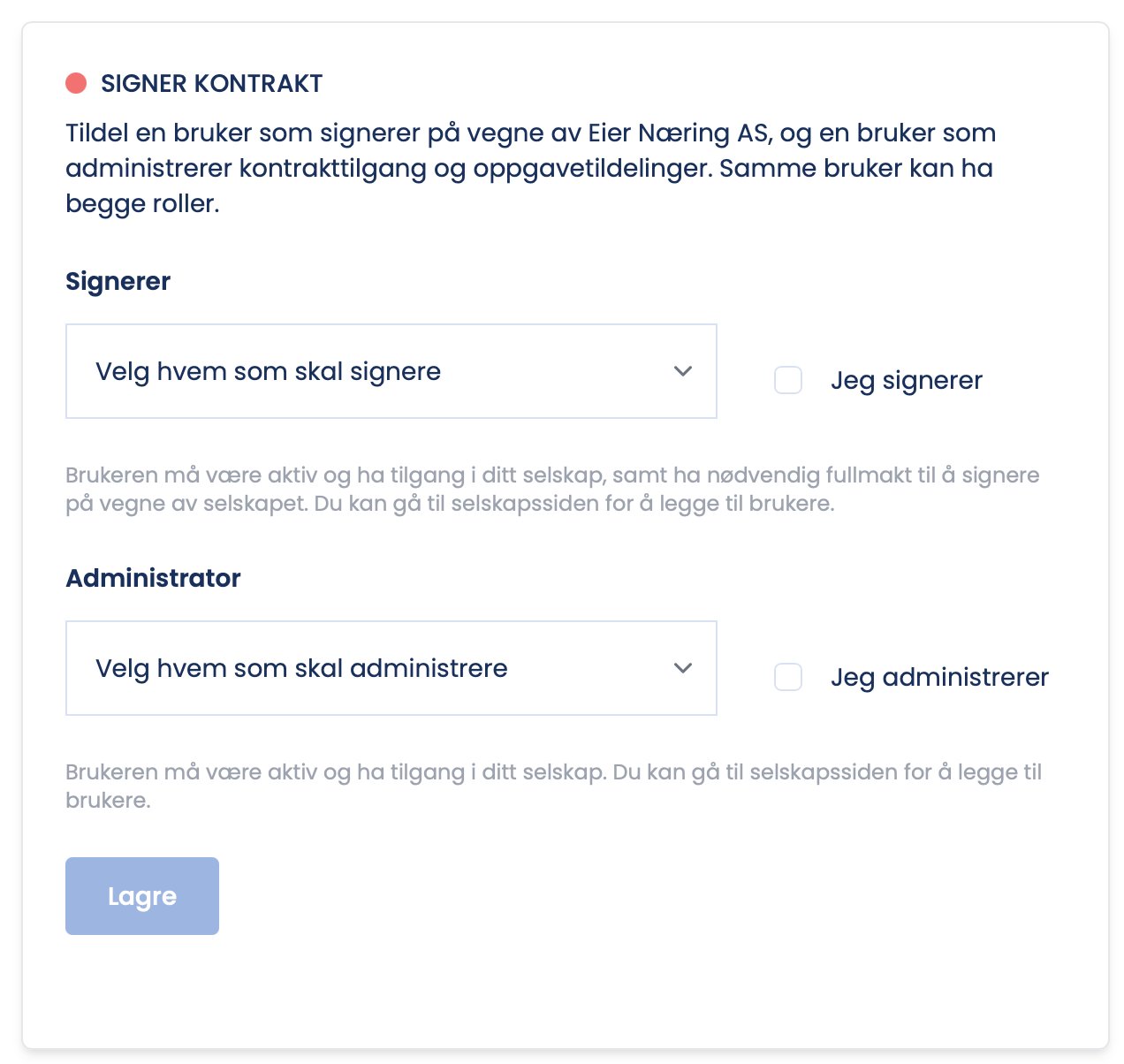
- Choose the signing responsible, the person who signs on behalf of the company.
- Choose the contract administrator, the one who follows up the agreement going forward.
- If it is just you, choose yourself in both places: click “I sign” and/or “I administer”.
What the contract administrator does
- Is the default recipient of tasks on the contract, that is, the person the inspection form goes to.
- Can give other users access to the contract.
- Controls how tasks are assigned onwards, for example when another inspector is to carry out the inspection.
Tip
In smaller companies the same person is often both signatory and administrator. In larger companies it can be wise to separate the roles. If someone other than you is going out on the job, it is still wise to set the person who actually follows up as contract administrator.
Can I change the contract administrator later?
Tasks can be reassigned along the way, see “Reassign the inspector”. Changes to contract access are logged in the Activity Feed.