

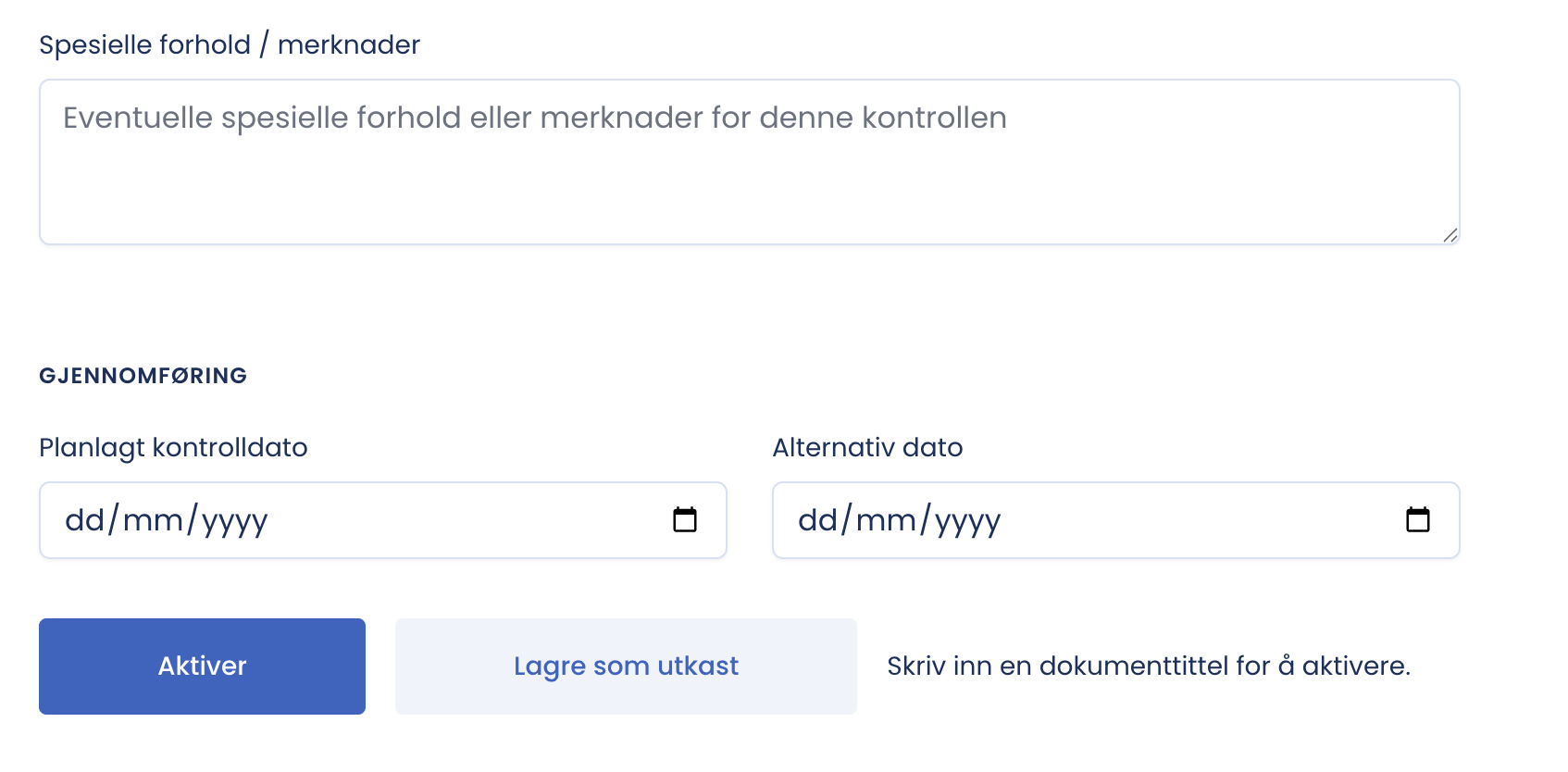
At the bottom of the setup form you set the dates and decide whether the document should be activated or left as a draft.
The dates
- Planned inspection date is the date the inspection is agreed to be carried out.
- Alternative date is a reserve date if the first one does not suit. Practical when the client has to coordinate access or a shutdown.
The two buttons
| Button | Consequence |
|---|---|
| Save draft | Saves what you have filled in, without creating the binding contract |
| Activate | Puts the document into production. The contract is generated, the client is invited as an observer on the e-mail address you entered, and the form and report become available |
Use “Save draft” when you are missing details, waiting for the client’s e-mail or date, or want to preview first.
When does Activate become available?
When the mandatory fields are in order. The button tells you what is missing: if it says “Enter a document title to activate”, the title is missing. If it says “Look up the client in the Brønnøysund Register Centre to activate”, the company number lookup is missing.
Checklist before you activate
- A document title that makes the document findable later.
- The right contact person selected for the inspection company. This is the one who signs.
- The counterparty looked up in the Brønnøysund Register Centre, and the name and address match the party you actually have an agreement with.
- The client’s e-mail is correct. It gives access to the contract.
- The inspection object’s address is the building’s, not the property manager’s postal address.
- Dates agreed with the client.
- “Preview contract” used as a final quality check.
Tip
Activate is the point you should not press until everything has been checked. Leaving the draft another day costs nothing.