

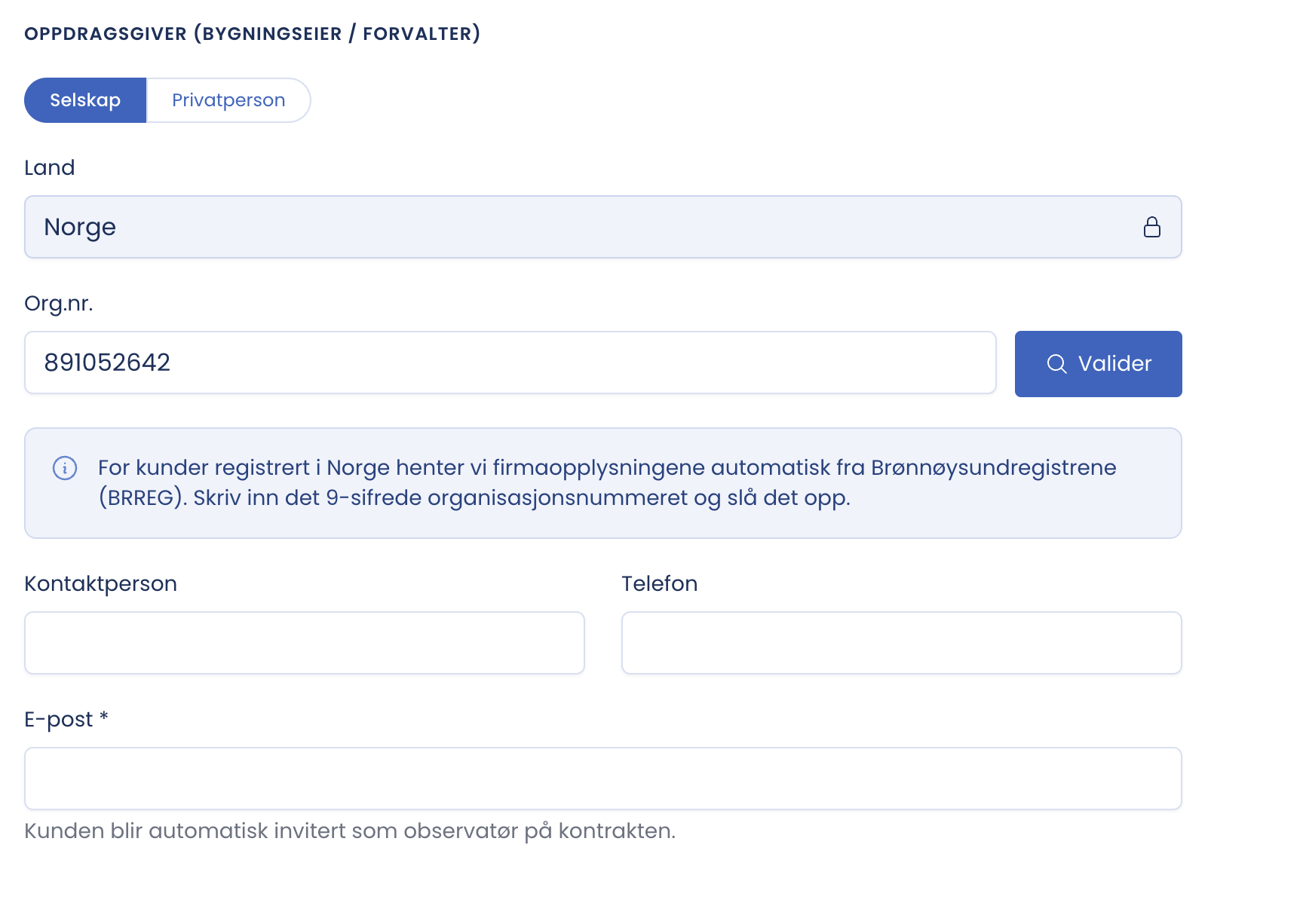
For clients registered in Norway the company details are retrieved automatically from the Brønnøysund Register Centre.
How to do it
- Check that “Country” is set to Norway. The field is locked for Norwegian lookups.
- Enter the nine-digit company number.
- Click “Validate”.
- Check that the name and address match the party you actually have an agreement with.
Good to know
- The point of the lookup is that the legal name and address are correct and verifiable in the contract, without manual typing errors.
- The fields can still be edited if the invoice address differs from the registered one.
- The lookup is a precondition for activating. If it has not been done, it says “Look up the client in the Brønnøysund Register Centre to activate” next to the Activate button.
Tip
Look up the company number even if you know the client. It is the lookup, not the familiarity, that makes the name verifiable in the contract. If you get a hit on a parent company where you meant a subsidiary, check the company number against the agreement before you continue.