

The protocol documents everything you have thermographed, including what you found no deviations on. The section is mandatory.
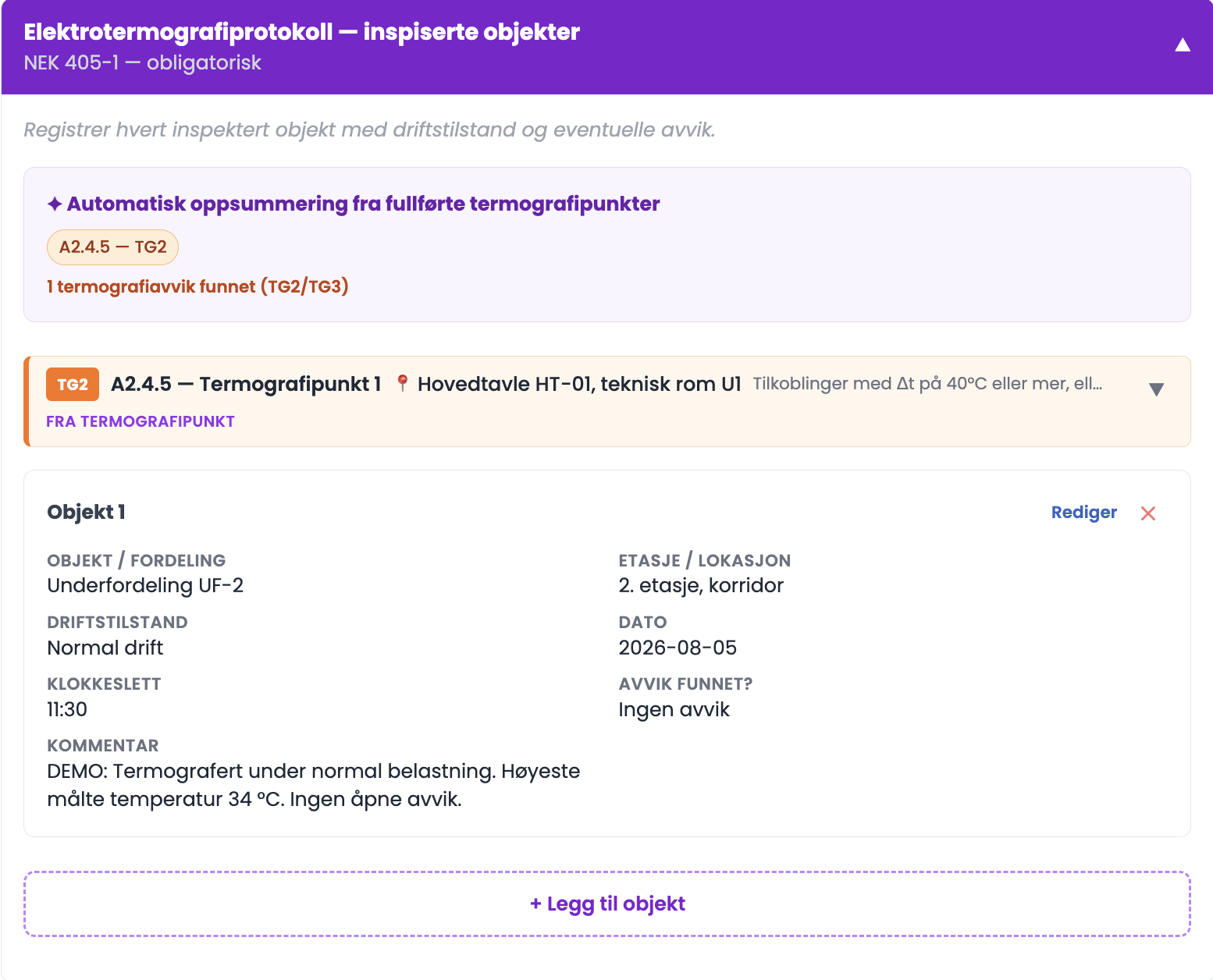
The automatic summary
- At the top there is a summary that pulls in all the thermography points you have graded, with the number of findings in TG2 and TG3. These lines are marked "From thermography point", and you do not need to record them again.
How to add an object
- Click "+ Add object" for objects you have thermographed without recording a deviation.
- Fill in the object/distribution board, floor/location, operating state, date and time.
- In "Deviation found?" choose between No deviations, Deviation recorded – TG2 or Deviation recorded – TG3.
- Write a comment, attach photos if relevant, and click "Save".
Tips
- Record the objects without findings too. The protocol should show what you looked at, not only what you found. Without them nobody can see the scope of the thermography.
- Write the highest measured temperature in the comment, even when you found no deviation. It gives the next inspection something to compare against.
- The time of day is not decoration. The load in a commercial building varies through the day, and the time explains the measured value.
Why are some lines marked "From thermography point"?
Because they come from an inspection point you have already graded. The protocol gathers them for you, so you have everything in one place without recording it twice.