

The inspection has 70 points, grouped in chapters under NEK 405-3 Annex A, section A.2. You get around fastest with search and filters, not by scrolling.
How to find your way
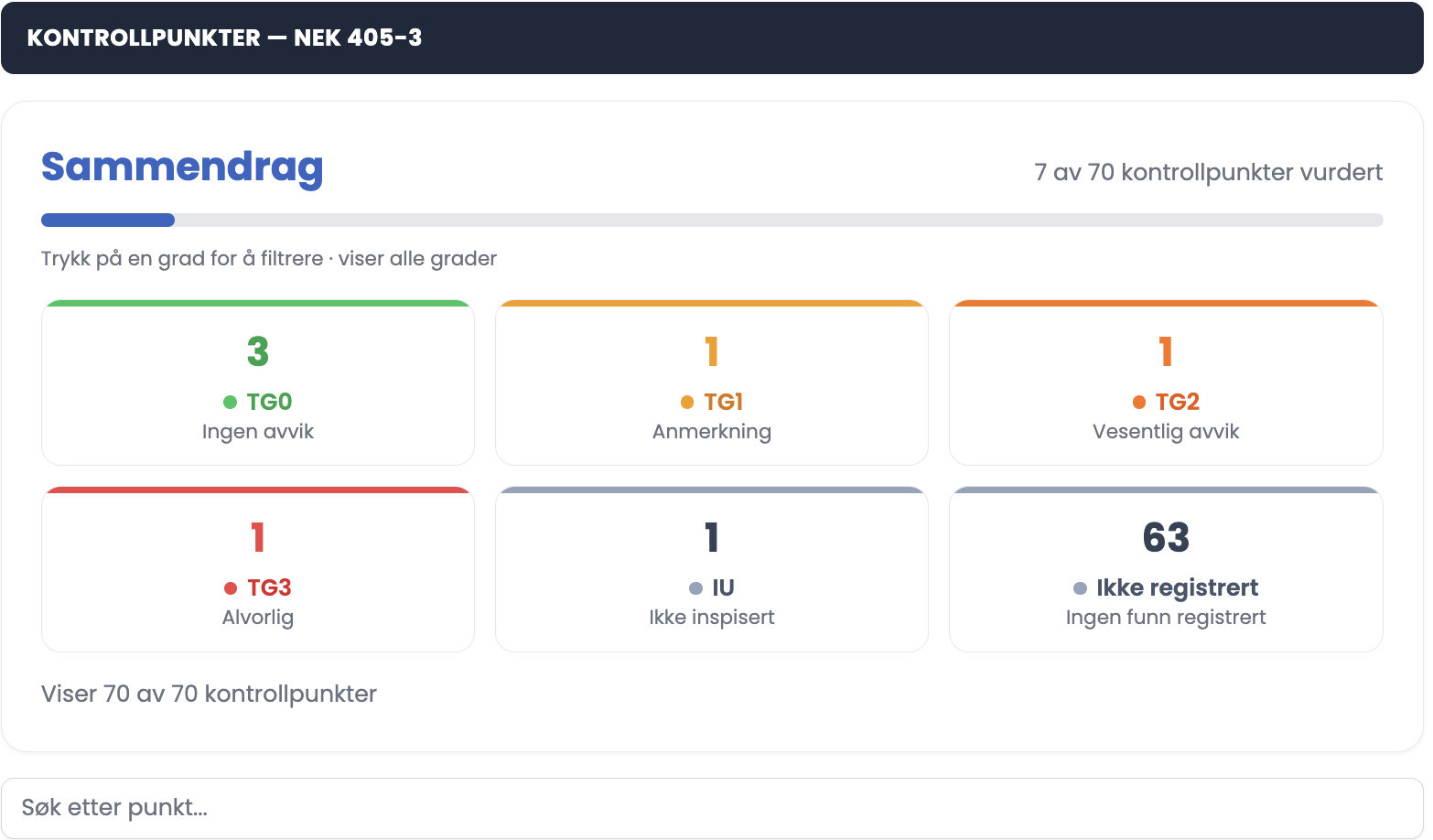
- Click a grade in the summary to filter the list on that grade. Click again to show all.
- Use the search field "Search inspection points". The search matches both point number and text, and the hits appear in a list under the field with the search term highlighted.
- Click a hit to jump straight to the point.
- The cross on the right of the search field clears the search.
The counters
| Counter | Meaning |
|---|---|
| TG0 | No deviations |
| TG1 | Minor observation |
| TG2 | Significant deviation |
| TG3 | Critical — act now |
| IU | Not inspected |
| Not recorded | No finding recorded |
Chapter counter
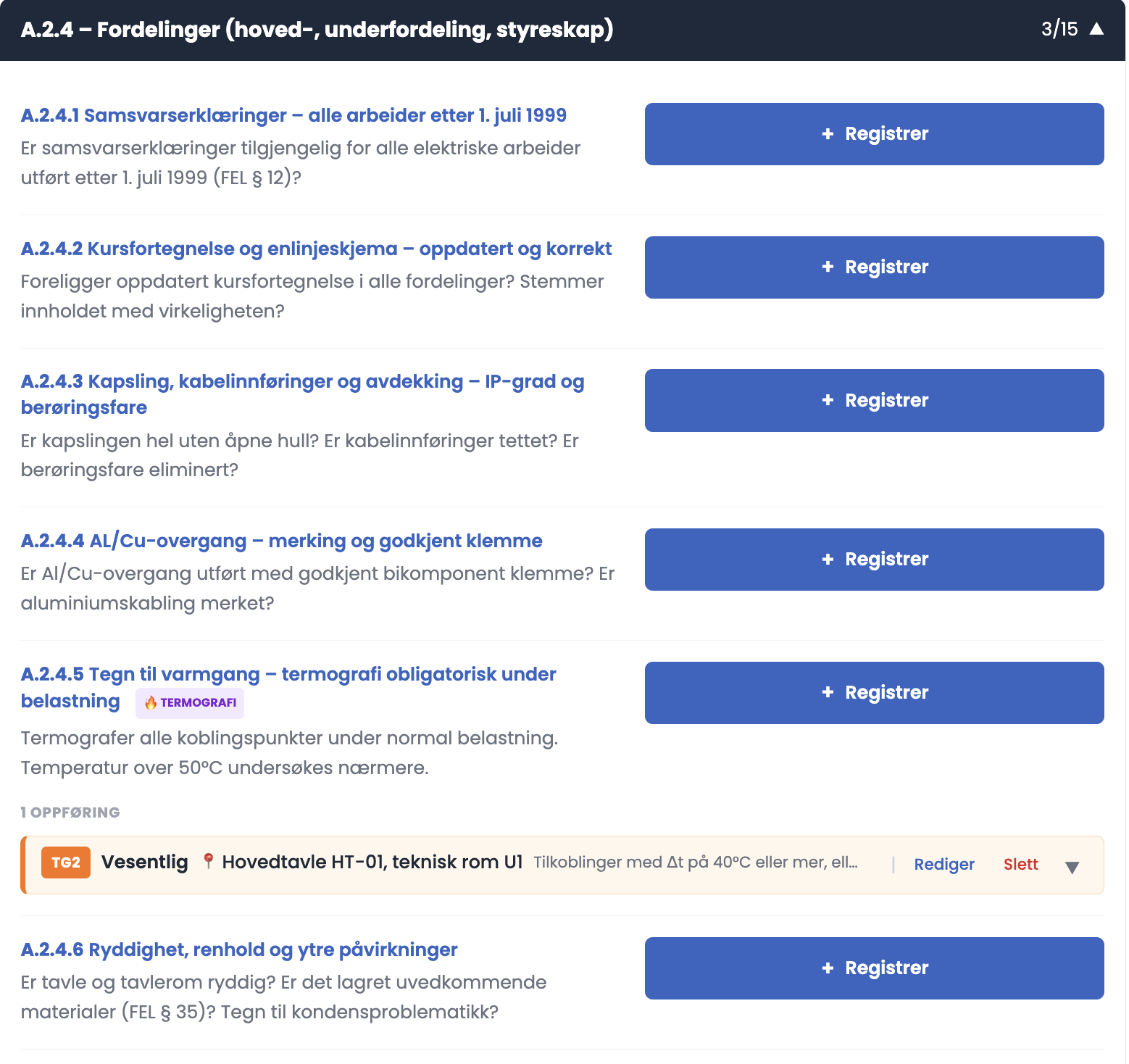
- Each chapter heading shows a counter for how many points in the chapter have been assessed, for example 3/15 on "A.2.4 – Distribution boards".
Tips
- Use the search field instead of scrolling through all 70 points. Type the point number if you know it.
- Filter on "Not recorded" as a final check. It shows which points have no registration, so you can decide whether that is because they fall outside the scope or because they were missed.
- The chapter counters are useful when you work through the installation room by room. When the chapter is done, the counter reads the same on both sides of the slash.
Important
The form does not stop you on points you have not assessed, and it should not. NEK 405-3:2020 clause 8.1.1 states that the clause describes what an electrical inspection may cover, and that individual inspection points are included by agreement with the client. A point outside the agreed scope is meant to stay as "Not recorded". Filter on "Not recorded" before you submit, and make sure every point left there is left there on purpose.