

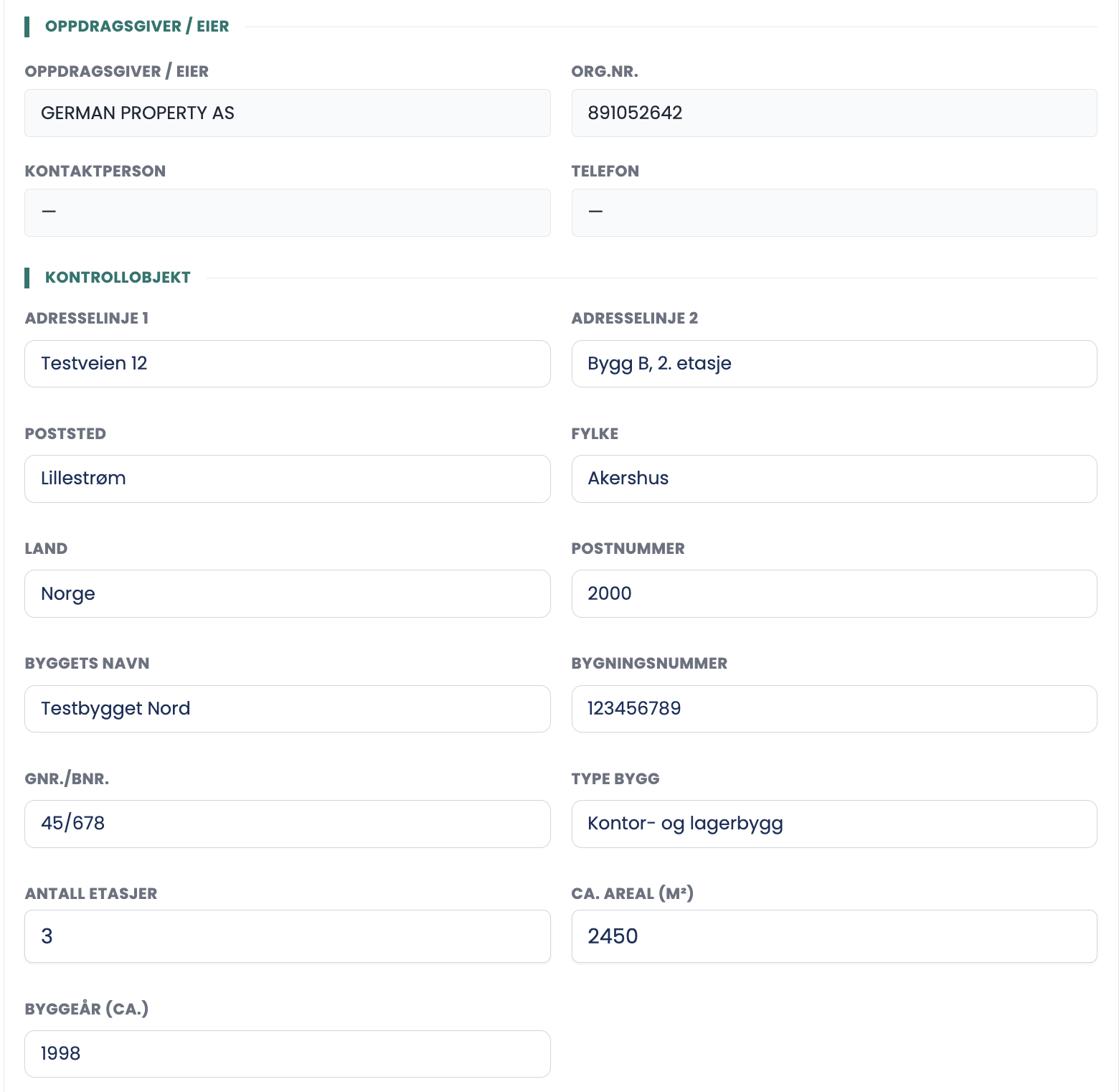
Here you describe the building being inspected. This is the section that makes it possible to tie the report to a property afterwards.
How to do it
- Check the address. ADDRESS LINE 2 is used for building and floor, for example "Building B, 2nd floor".
- Fill in the name of the building, BUILDING NUMBER and CADASTRE (GNR/BNR).
- Fill in PROPERTY TYPE, NUMBER OF FLOORS, APPROX. AREA (M²) and YEAR BUILT.
- Choose APPLICABLE REGULATION according to when the installation was carried out.
- Set INSPECTION DATE, and fill in NEXT INSPECTION.
- Use SPECIAL CONDITIONS / NOTES for anything that doesn't fit in a field.
Good to know
- The building number has nine digits and comes from the Norwegian Mapping Authority.
- INSPECTION DATE is the only mandatory field in the section, marked with a red asterisk.
- Next inspection is normally set five years ahead for commercial buildings.
- The applicable regulation is set according to when the installation was built, not according to today's requirements. If parts of the installation were altered later, that part is assessed against the requirements in force when the alteration was carried out.
What belongs under Special conditions?
IT systems, solar installations, UPS, medical equipment and the like. Anything that makes the installation different from an ordinary commercial building, and that someone reading the report a year later could not guess.
Tips
- Fill in Next inspection straight away, while you have the installation fresh in mind. The recommended date belongs in the report.
- If the area is unknown, write an estimate and say in the notes field that it is estimated. An empty field is worse than an honest estimate.
- Check the cadastre against the agreement. An inspection at the right address but the wrong cadastral unit is hard to clean up afterwards.