

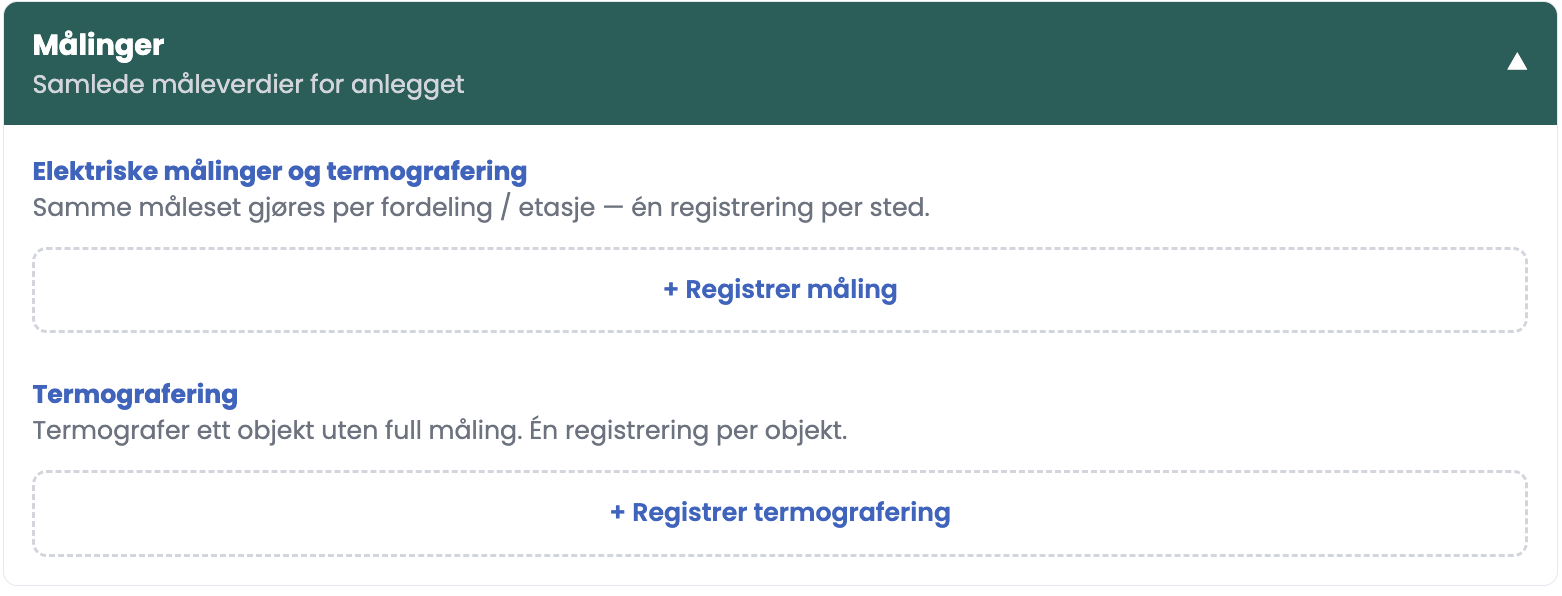
Under Measurements you register one complete set of measurements per distribution board or floor.
How to do it
- Click “+ Register measurement” in the Measurements section.
- Fill in Location. This field is required.
- Enter the measured values that are relevant for the place. All measurement fields are optional.
- Write a Description of what the measurements show. This field is also required.
- Set a condition grade if the measurement reveals a deviation. If you leave it open, the card is shown as “Not graded”.
- Save. The measurement becomes a card you can open, edit or delete later.
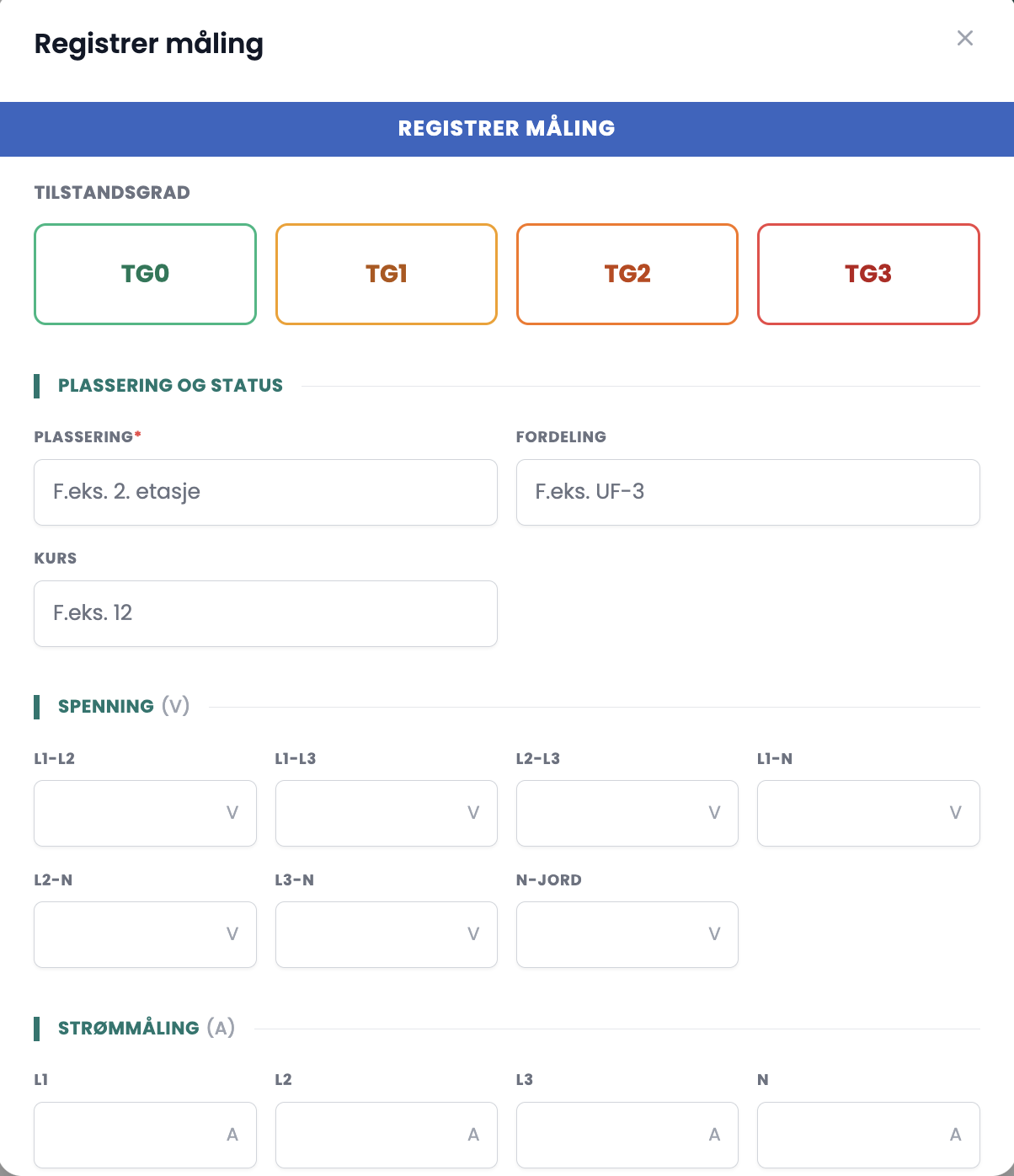
The fields in the dialog
| Group | Field |
|---|---|
| Condition grade | TG0 to TG3, optional |
| Location and status | Location (required) · Distribution board · Circuit |
| Voltage (V) | L1-L2 · L1-L3 · L2-L3 · L1-N · L2-N · L3-N · N-earth |
| Current measurement (A) | L1 · L2 · L3 · N · PE |
| Single measurements | Continuity (Ω) · Insulation test (MΩ) · Leakage current (mA) · Resistance (Ω) · Earth transition resistance (Ω) |
| Short-circuit currents (A) | Ik3 max · Ik2 min · Ik1 max · Ik1 min |
| Earth fault protection | Tripping time (ms) · Tripping current (mA) |
| Temperature (°C) | Max temp |
| Conclusion | Description (required) · Recommended remedial action |
Tips
- Register one measurement per distribution board or floor, not one per value. That keeps the report readable for the customer.
- Use the Location field consistently, for example “Distribution board, basement” or “Sub-distribution board, second floor”. The cards are sorted by what you write.
- Write the Recommended remedial action straight away. That is the line the customer actually acts on.
Which inspection points do the measurements belong to?
The measured values are registered here, not inside the inspection point. The points that normally produce measurements are A. Temperature under load, E. Insulation measurement, I and J. Earthing and bonding, and K. Heat in outlets. You make the cross-reference in the Description field.