

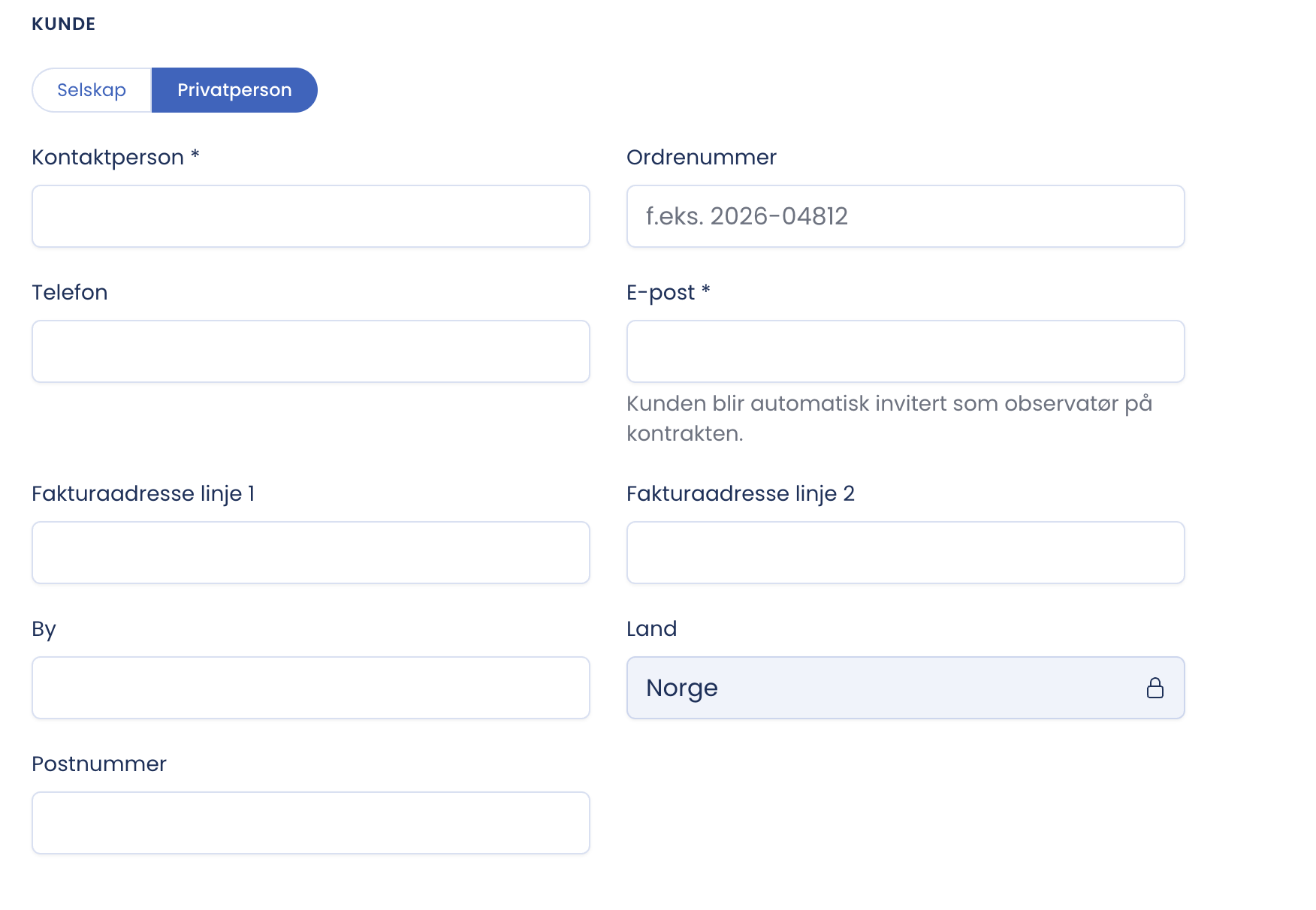
The client is the counterparty, the one who owns or manages the building. At the top you choose the type.
Good to know
- The customer can be a company or a private individual. The toggle at the top of the section controls which fields you get. With Private individual, the organisation number is dropped.
| Option | When you use it |
|---|---|
| Company | Gives a lookup on the company number and company fields. The default option, and the one used for commercial assignments |
| Private individual | Switches to fields for an individual instead of a company lookup. Used when the counterparty is not registered in a company register |
The e-mail address decides who gets access
Contact person, phone and e-mail are not filled in automatically and must be entered manually. E-mail is mandatory, and the form shows “is required” in red until the field is filled in. The reason is stated under the field: the client is invited automatically as an observer on the contract. So the address you write here is the one that gets access to follow the document. Double-check it before you activate.
Tip
Use the address the client actually reads. The invitation goes there, and the login is tied to that address. If the owner and the manager are two different parties, clarify who should have access before you write the address.