

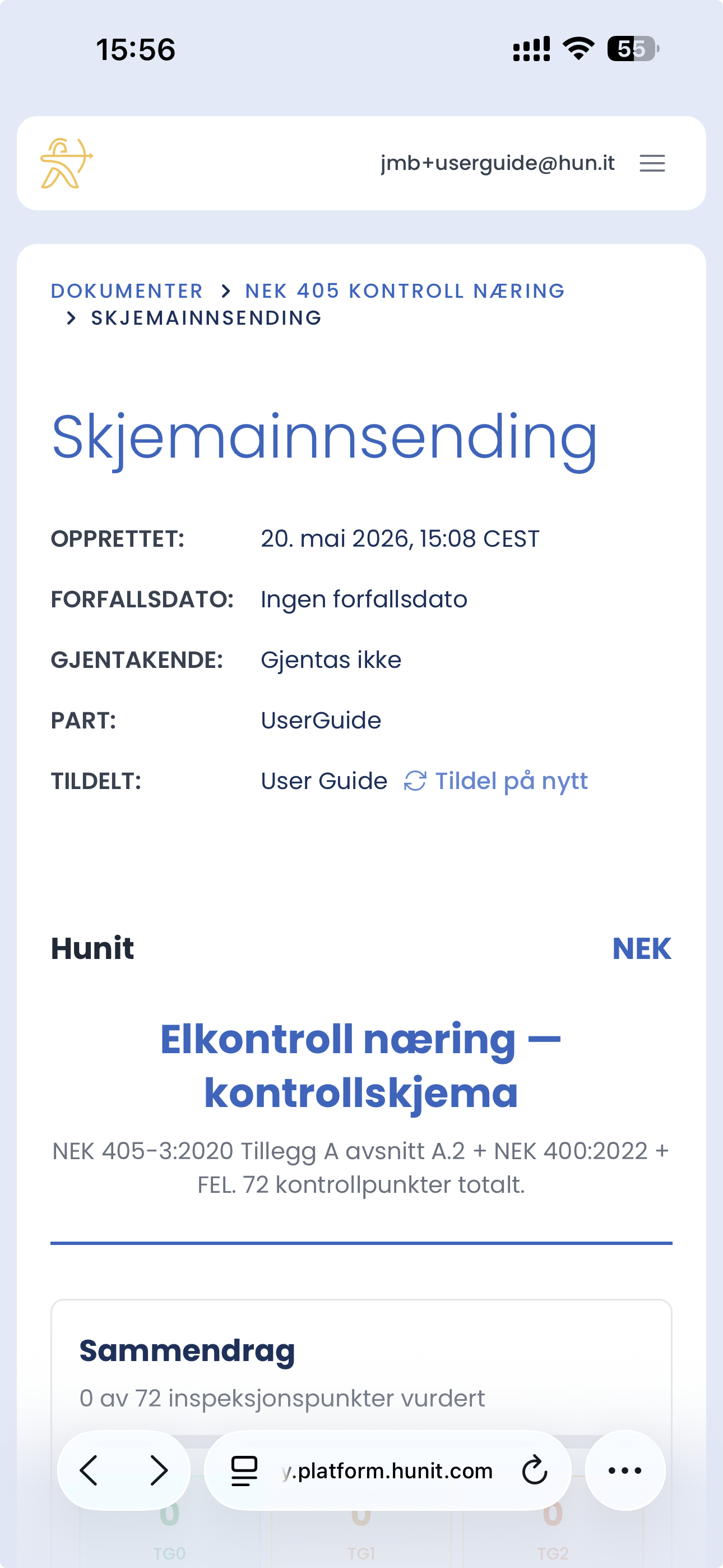
When the contract is ready for inspection, you open the form directly in the browser on your phone. No app is needed – everything happens via Hunit's web solution.
How to do it
- Open the form in the browser on your phone.
- Confirm who is carrying out the inspection, or assign the job to another user.
- Information about the company, building and building number is already filled in from the contract signing.
- Add any additional information and special conditions.
Tips
- You don't need to install anything – just log in via the mobile browser.
- Save hunit.com as a bookmark or to your home screen for quick access out on the job.
- Fields are saved as you type, but use "Save draft" regularly when you work on site.
The form doesn't display as expected on mobile?
- Refresh the page.
- Check that you're logged in with a user who is assigned to the task.
- Check that the contract has green status and is ready for inspection.