

After the purchase you are taken to the setup form. Here you fill in the parties and the inspection object. When the form is activated, the contract document, the checklist and the report basis are generated.
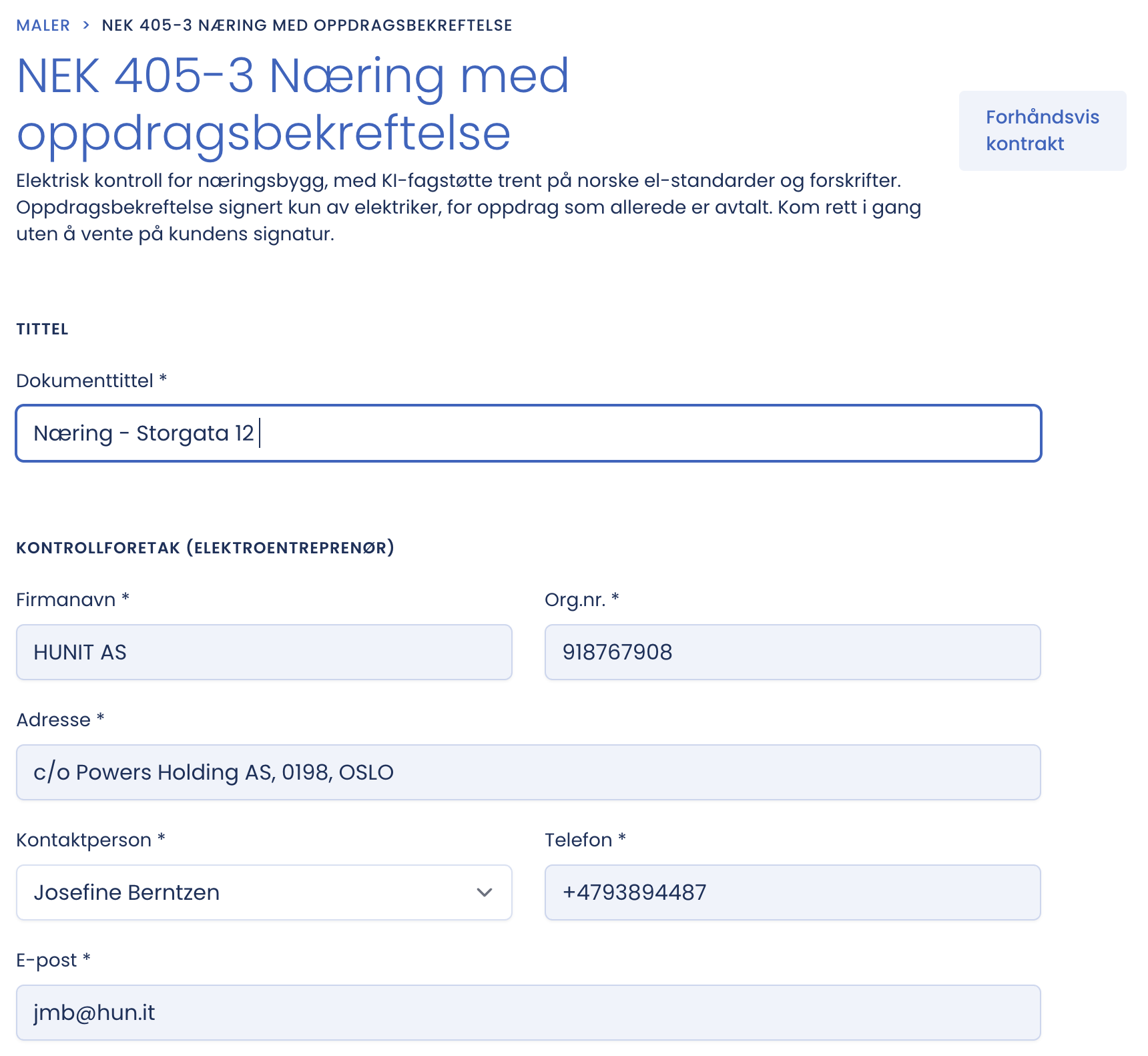
Document title
The title is mandatory, and it is what you find the document by in the archive. Use a recognisable pattern, for example “Inspection, Storgata 12”, or client and address.
Inspection company
This is your own firm, pre-filled from the company you selected at purchase. Company name, company number and address are retrieved automatically. All fields in this block are marked with an asterisk and must be filled in.
Preview contract
At the top right is “Preview contract”. It shows how the document will look with the data you have entered. Use it before you activate.
Tip
Write the title first. It unlocks the rest of the workflow, and saves you looking for why Activate is unavailable. Use the same naming pattern for all inspections in the company, and the archive becomes searchable by itself.