

Once the password is created, you are ready to log in to the platform.
How to do it
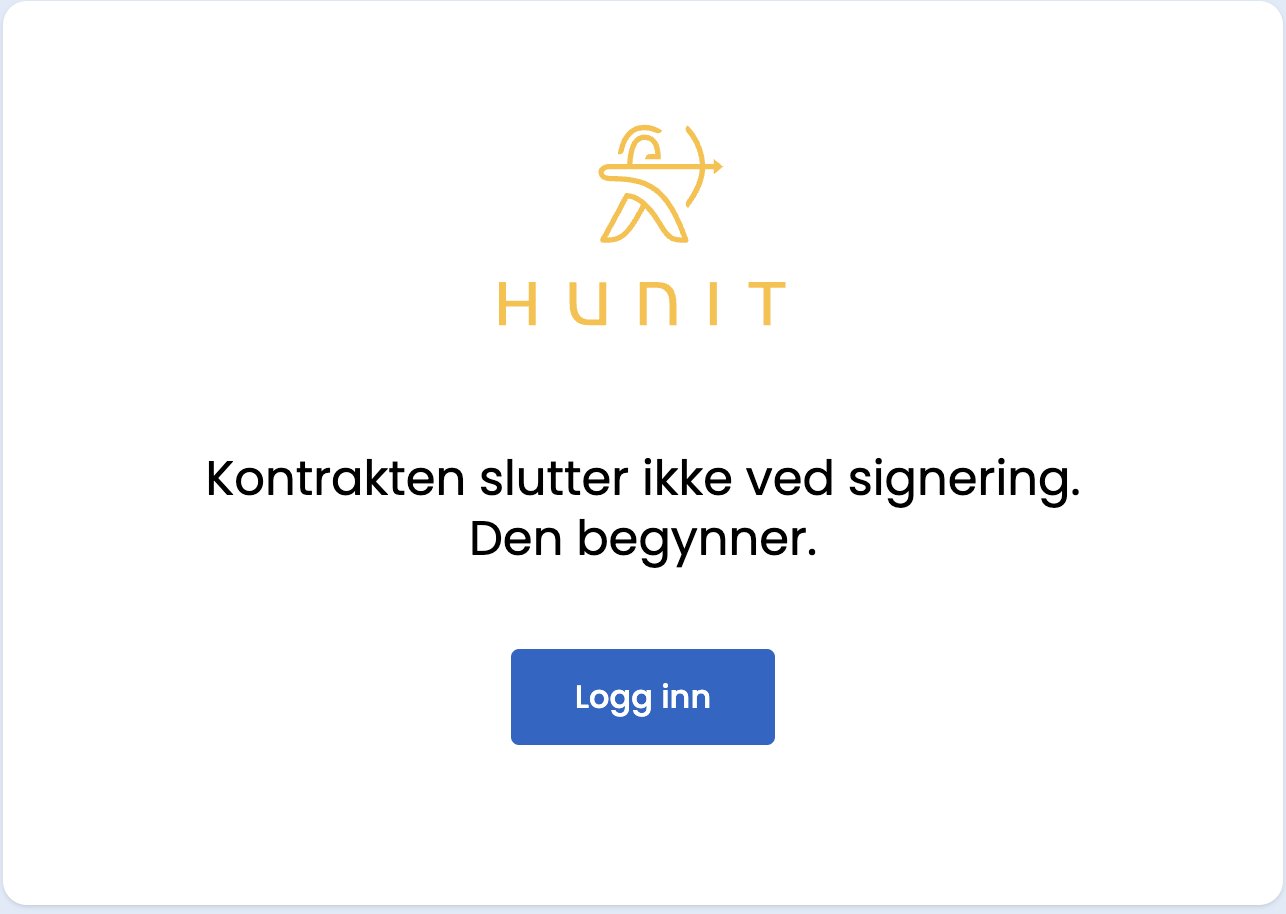
- Go to norway.platform.hunit.com.
- Enter the email address and the password you just created.
- Click “Log in”.
Cannot log in?
- Check that you are using the same work email you registered with.
- Check that Caps Lock is not on.
- Forgotten your password? Use the “Forgot password” link on the login page to reset it.
- Still getting an error after several attempts? Wait a little, or contact support.
Tips
Save norway.platform.hunit.com as a bookmark, so you do not have to go via the marketing site next time.