

Before the inspection can be carried out, you assign the form to the right inspector. This is done from the agreement's dashboard.
How to do it
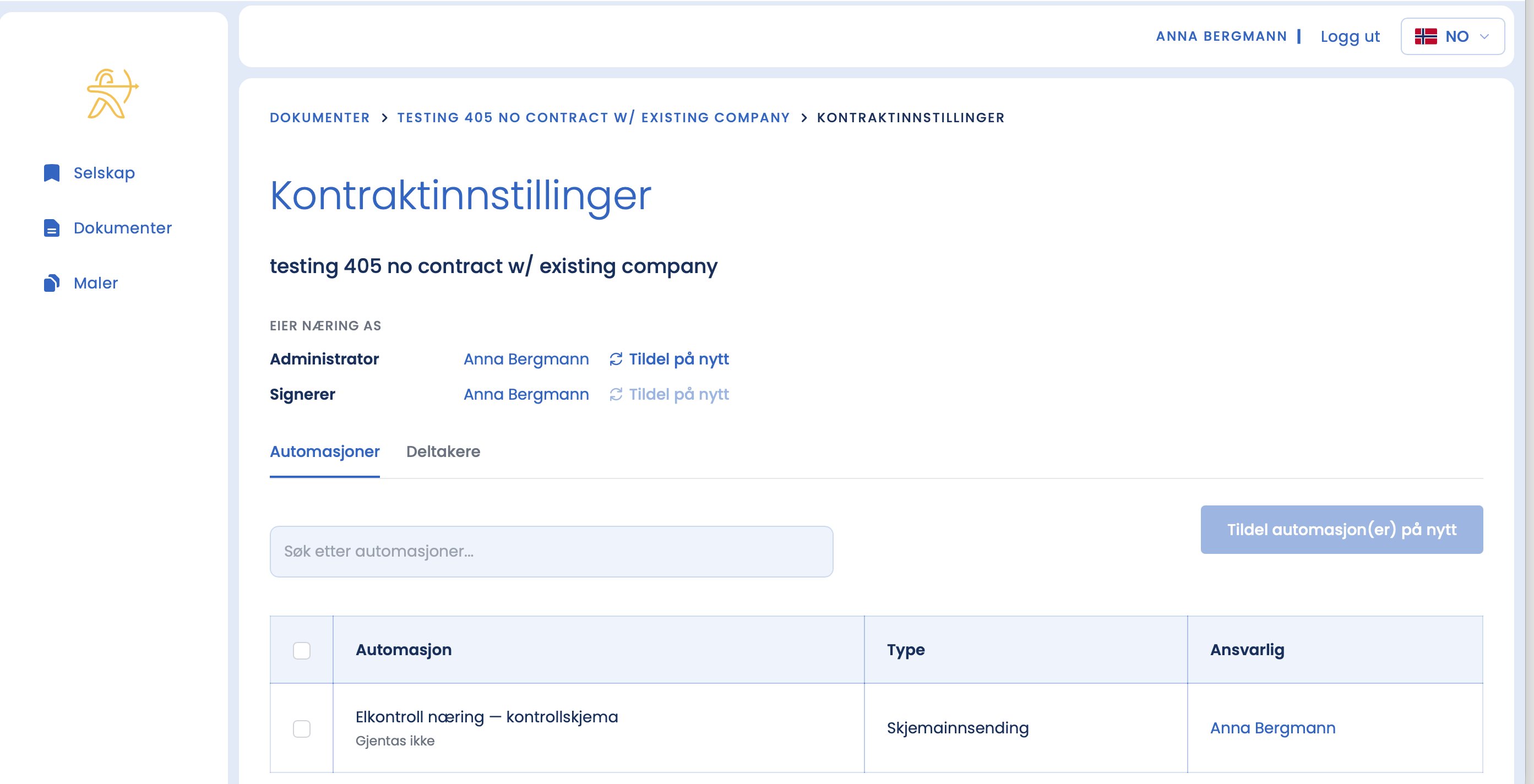
- Go to "Contract settings" at the top of the agreement's dashboard.
- Tick the inspection form.
- Click "Reassign automation(s)".
- Choose the responsible inspector and click "Save".
Tips
- Assign the inspector as soon as the status is green, so they see their task and can plan the visit.
- Certificate numbers and camera details are taken from the profile of whoever is assigned the task. The wrong assignment gives the wrong details in the report.
Can't find the inspector in the list?
Only registered users can be assigned. If the inspector hasn't been added yet, see "Add user" under "Overview and users" first.